Играть
На базе EmulatorJS · Arcade
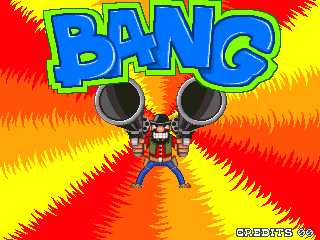
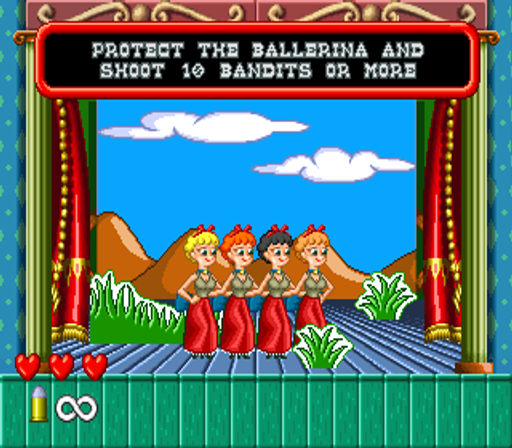
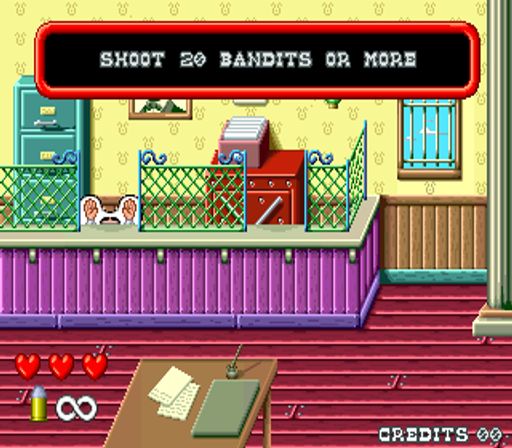
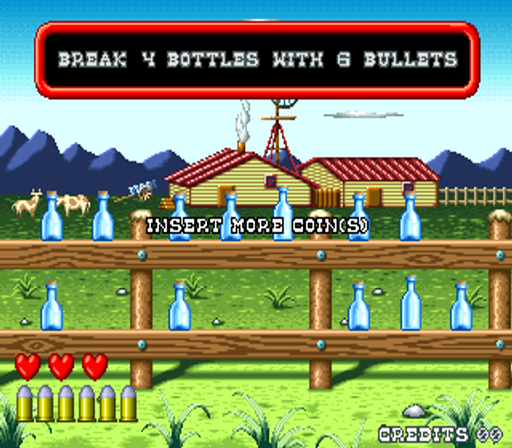
Gaelco разработала этот 2D-шутер от первого лица, действие которого происходит на мультяшном Диком Западе. Игроки перемещаются по элементам платформера, участвуя в бою от первого лица. Аркадная игра поддерживает как одиночную игру, так и кооперативный режим, позволяющий игрокам вместе проходить этапы шутера, ориентированные на действия.
Player layout in our catalog: 2P sim.
If you are exploring by feel rather than by title, jump from the tags above into the matching genre rooms, or return to the Arcade hall for the full wall.
Open Play on this page to start Bang!. Keyboard, USB/Bluetooth pads, and the on-screen touch gamepad all work inside the emulator bar. Save states and fullscreen live on that same bar so you can pause mid-session and resume later.
Player layout on this cabinet: 2P sim.
Genre tags on Classic Arcade Games: Shooter, Arcade.

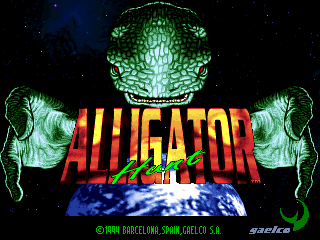
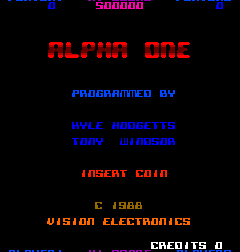
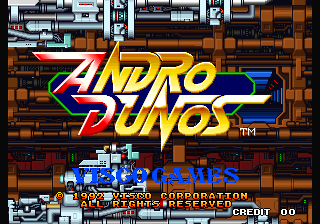
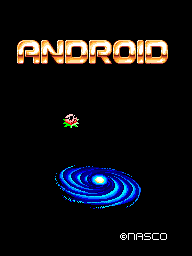
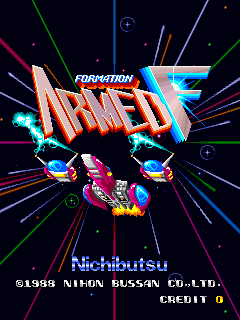
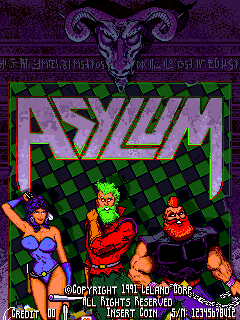
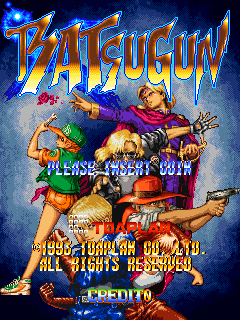
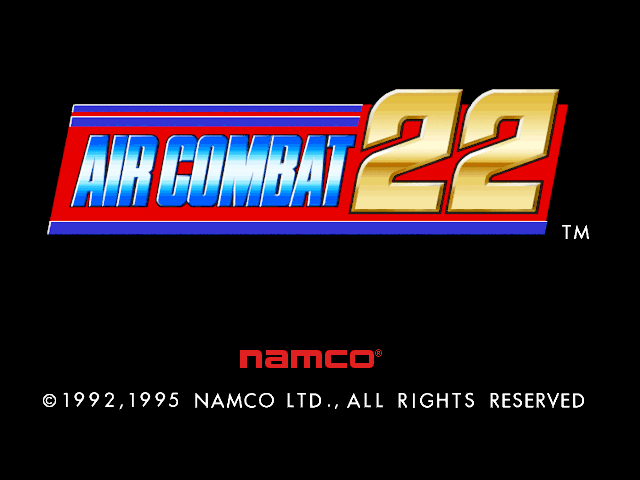
Nearby cabinets you may also open from this hall (each on its own play page):Air Combat 22 (Rev. ACS1 Ver.B, Japan), Akai Katana (2010/ 8/13 MASTER VER.), Akka Arrh (prototype), Alligator Hunt (World, protected), Alpha One (Vision Electronics), Alpha Mission II / ASO II - Last Guardian (NGM-007 ~ NGH-007), Andro Dunos (NGM-049 ~ NGH-049), Android (prototype, later build), Armed F (Japan), Asylum (prototype), Aurail (set 3, US), Batsugun
Air Combat 22 (Rev. ACS1 Ver.B, Japan) · Akai Katana (2010/ 8/13 MASTER VER.) · Akka Arrh (prototype) · Alligator Hunt (World, protected) · Alpha One (Vision Electronics) · Alpha Mission II / ASO II - Last Guardian (NGM-007 ~ NGH-007) · Andro Dunos (NGM-049 ~ NGH-049) · Android (prototype, later build) · Armed F (Japan) · Asylum (prototype) · Aurail (set 3, US) · Batsugun
Yes. Classic Arcade Games hosts Bang! as a Arcade cabinet you can start on this page. The emulator loads in the browser; you do not need to install a separate app.
Arcade stick feel: Arrow keys for the joystick, X/Z (and nearby keys) for buttons, Enter=Start. USB / Bluetooth pads map cleanly; six-button fighters use the face-button cluster.
Our catalog tags Bang! under Shooter, Arcade. Open those genre rooms from the tags on this page to find more playable cabinets in the same feel.
Скопируйте код iframe ниже, чтобы встроить эту игру на свой сайт.
<iframe src="https://ru.classicarcade.games/games/arcade/bang?embed=1" width="800" height="600" allowfullscreen allow="gamepad; autoplay; fullscreen"></iframe>